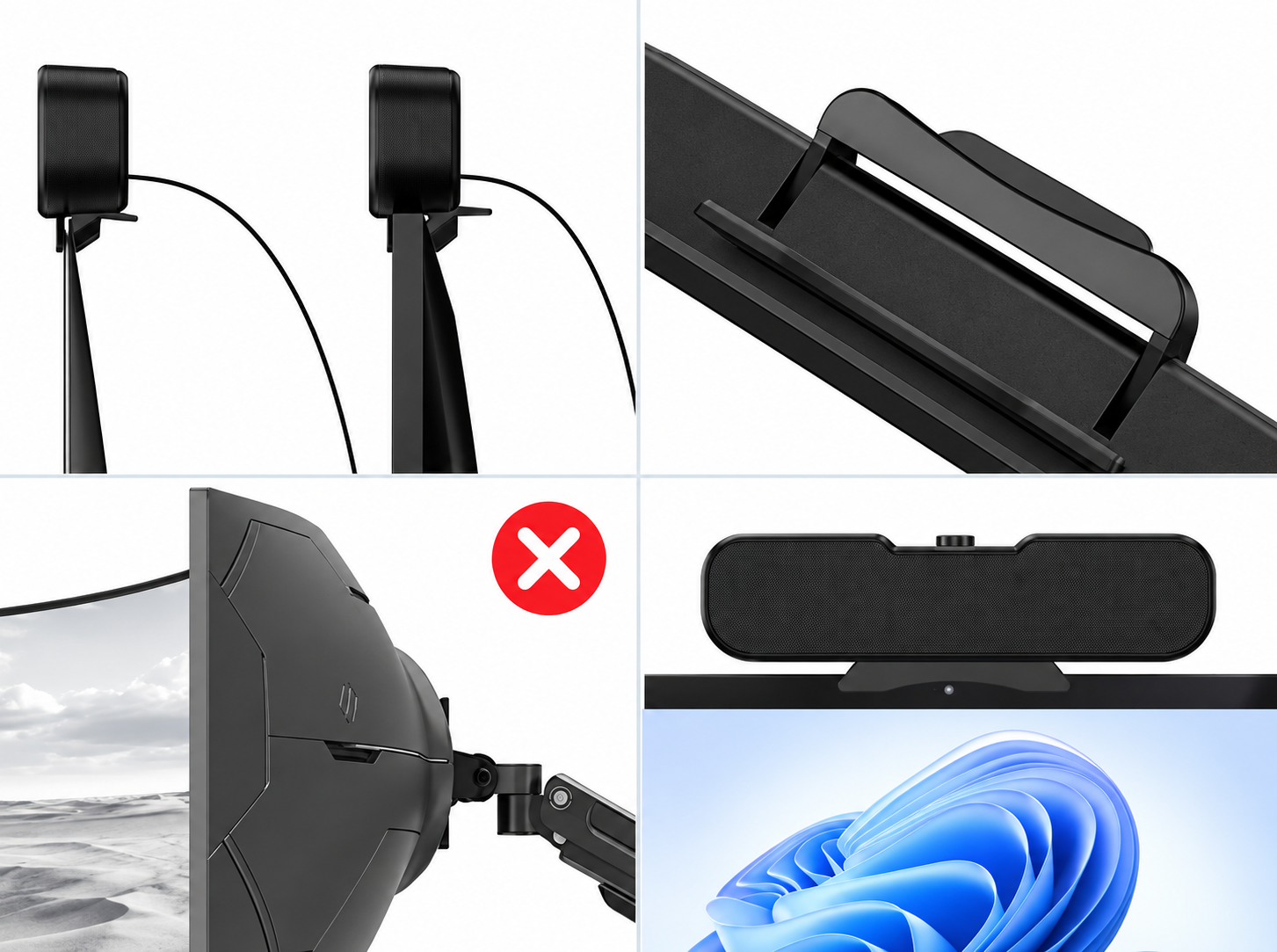
Not compatible with
USB and 3.5mm Jack
on the back of computer
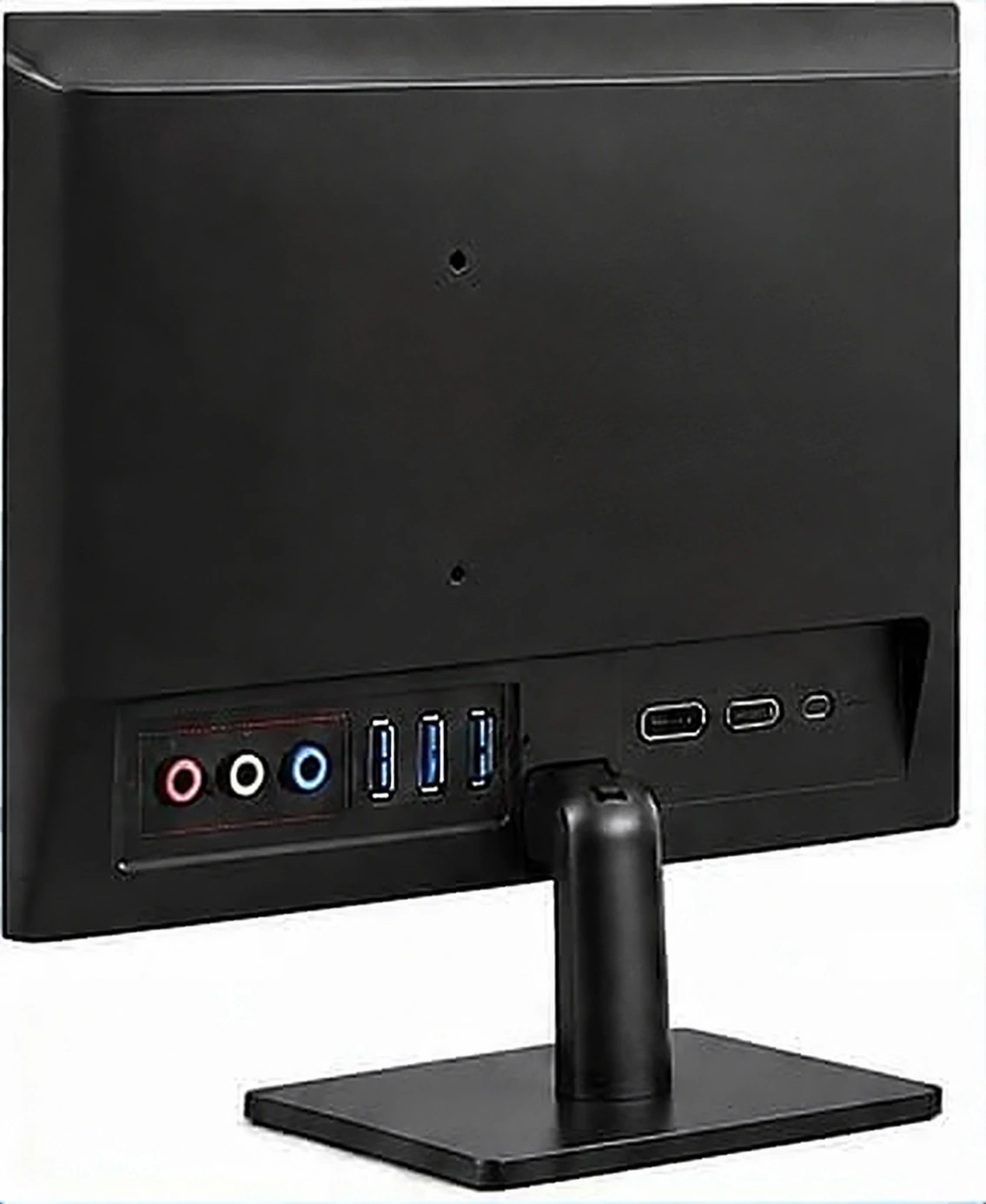
Back of ComputerUSB & 3.5mm Jack

C1 COMPUTER SPEAKER
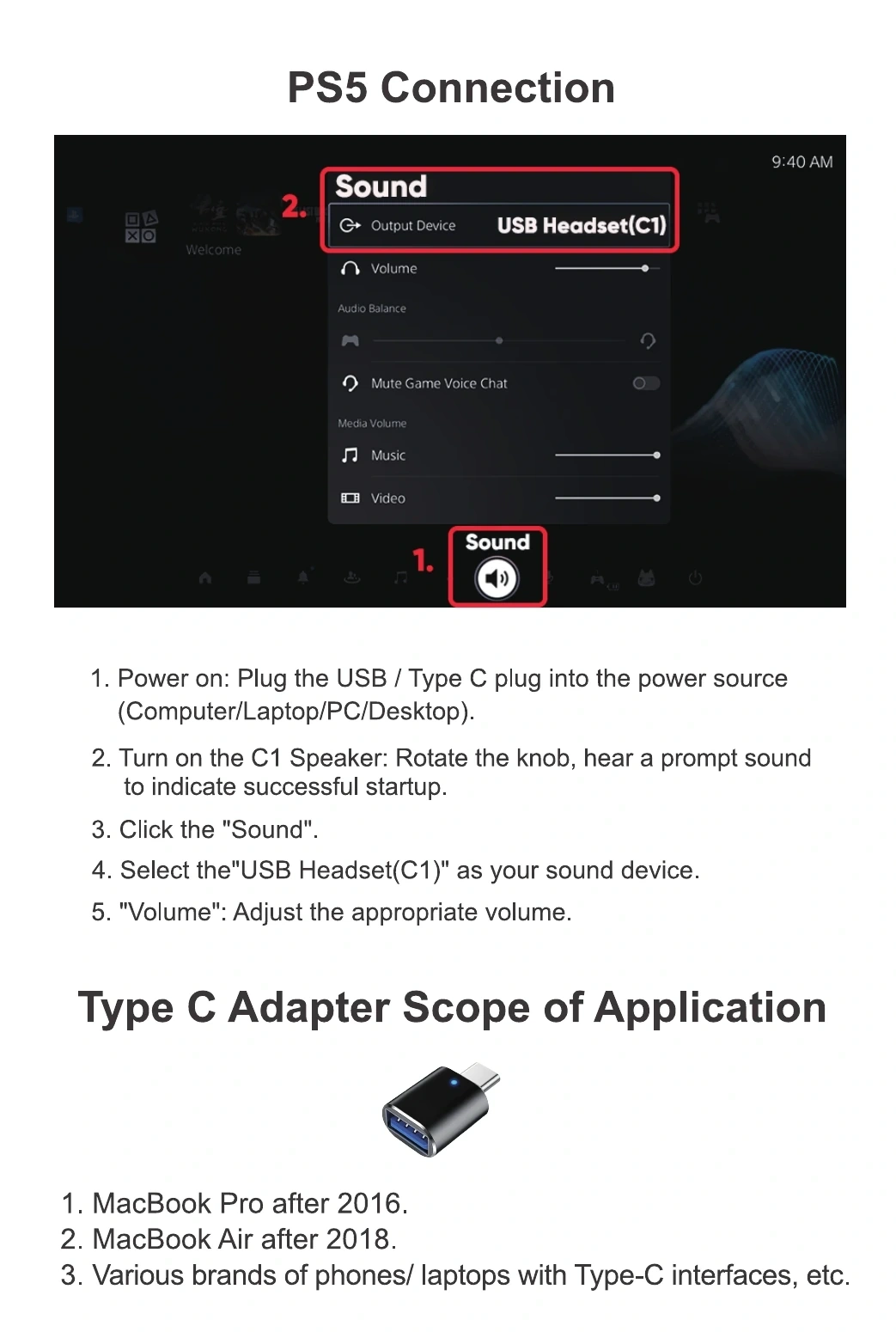
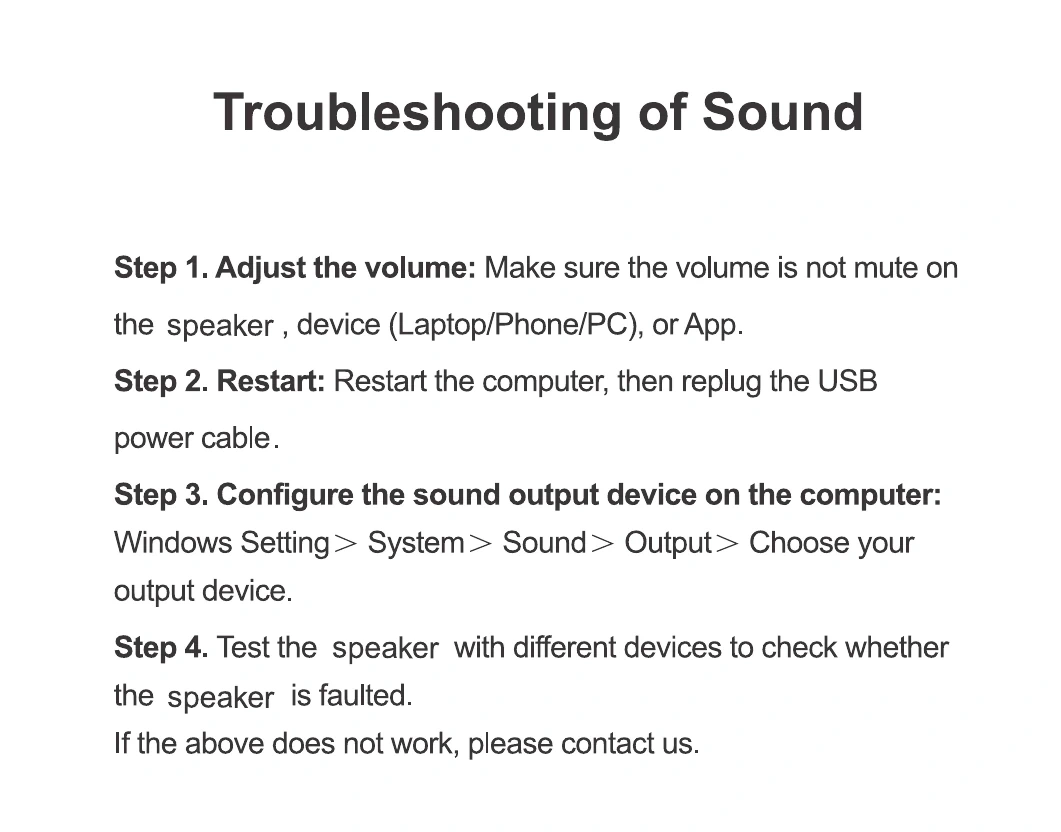
Connects to your computer for power and sound.
Turn to switch the speaker on or off and adjust the volume.
Secures the speaker to a compatible flat screen.
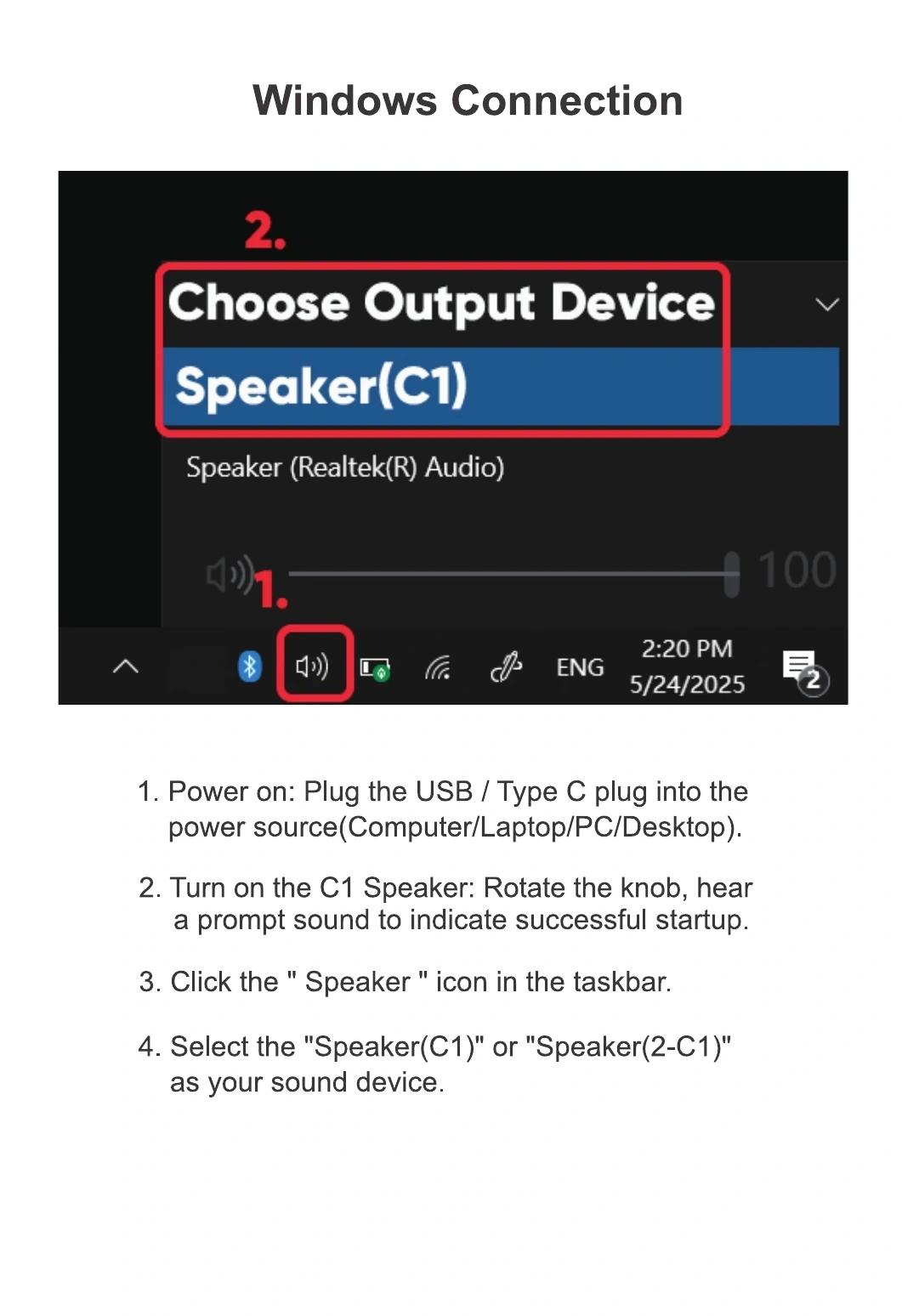
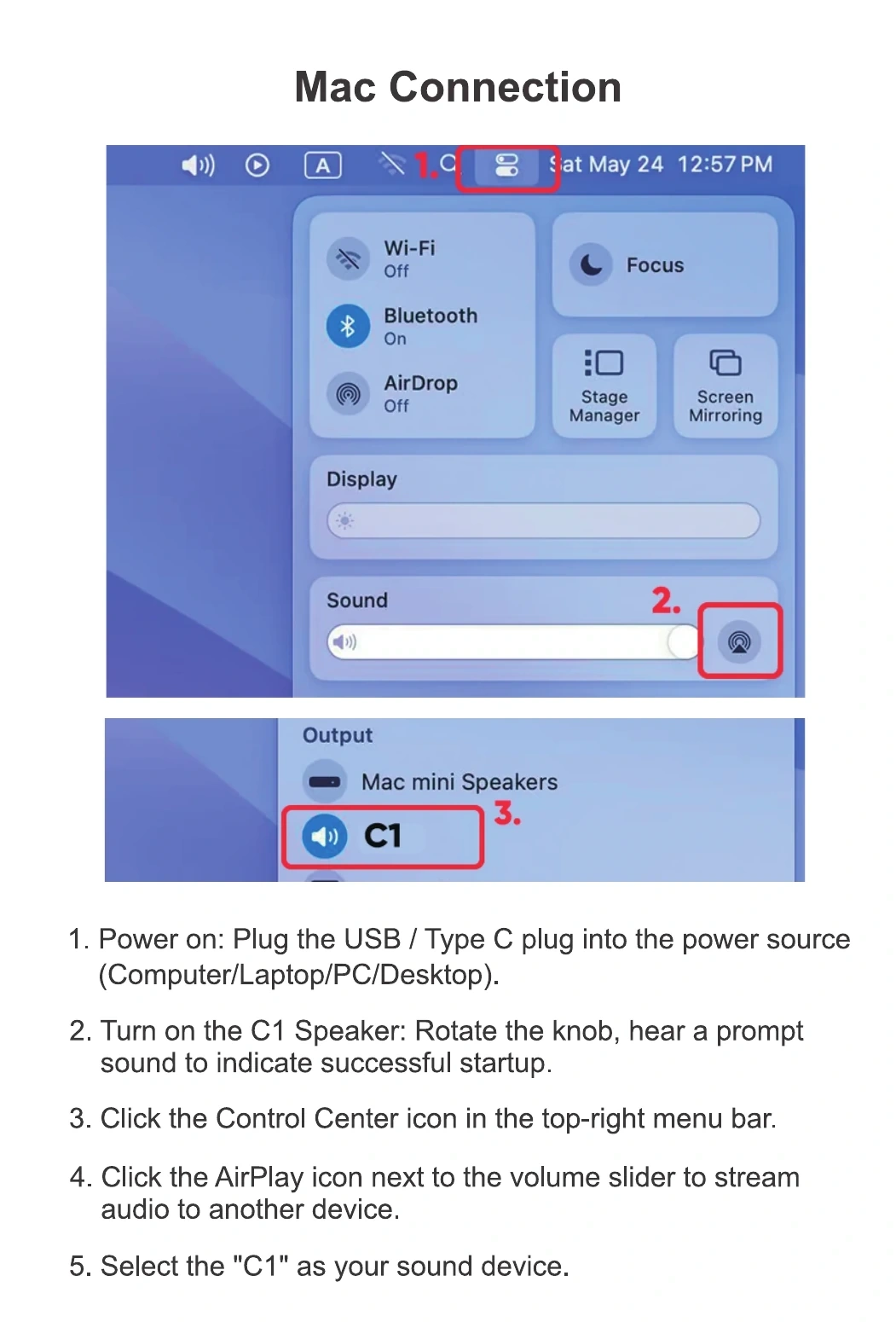
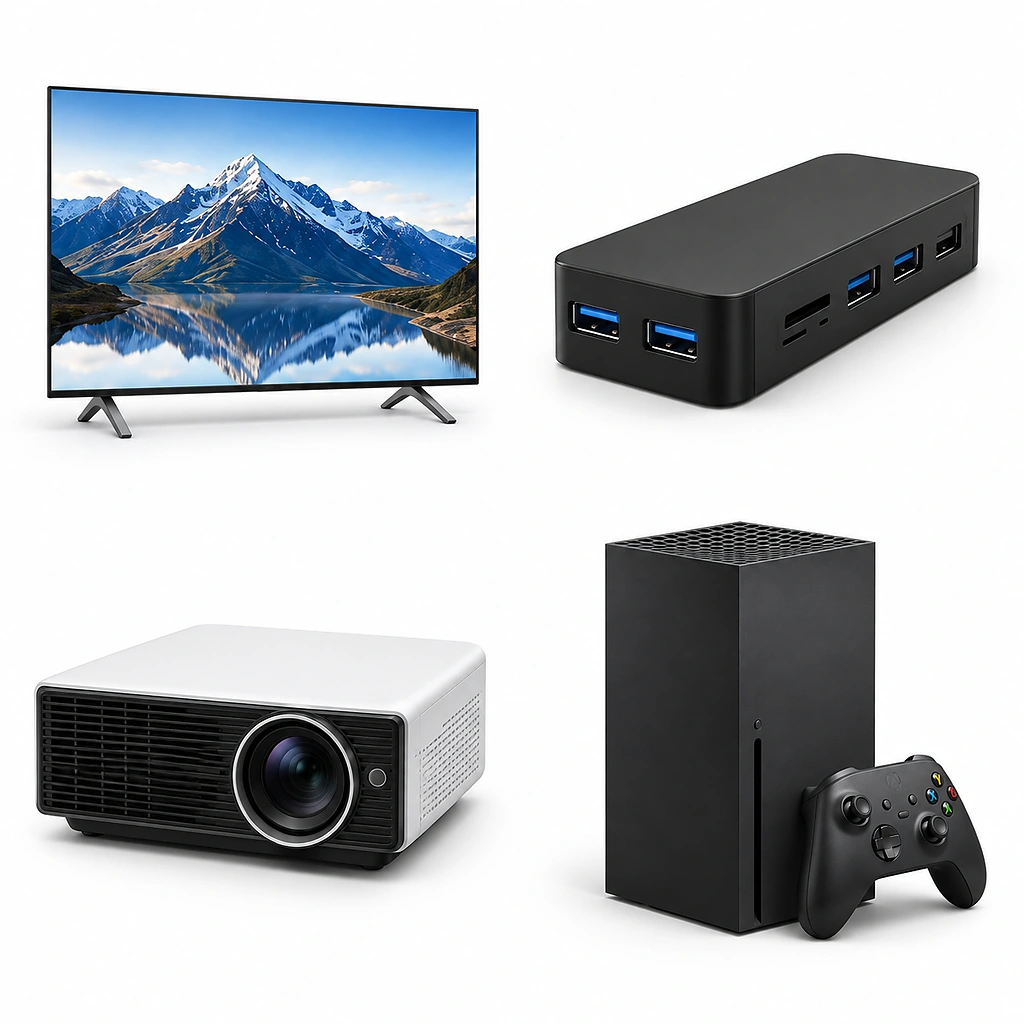
This speaker is NOT compatible with the devices listed below.
Not compatible with
USB and 3.5mm Jack
on the back of computer
Not compatible with
TV, Hub, Projector, or Xbox
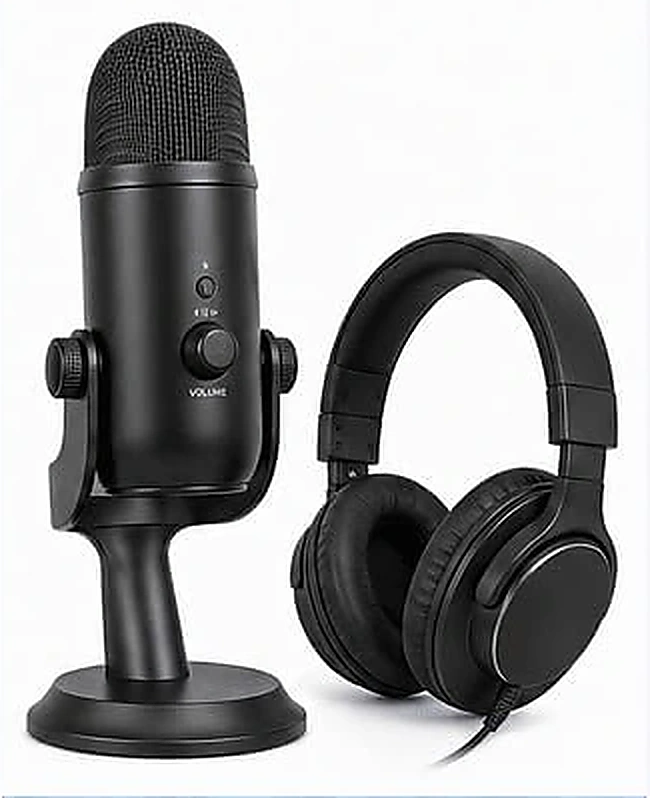
No microphone or
headphone jack
CONTACT CIRQON
Add your order number, then copy the complete email or open your email app.
support@cirqoncare.com